
What is Tamao AI Dialogue PPT
Tamao AI Dialogue PPT is a new-generation intelligentPPTanalysis tool launched by Tamao AI. Based on deep learning algorithms and natural language processing technology, it achieves semantic understanding and contextual analysis of PPT content, bringing users a brand-new office experience. The core of the service lies in using AI technology to parse the content of PPT files, interact with users based on the content, and answer users' questions about the PPT content or provide related information. Tamao AI Dialogue PPT can improve work efficiency, allowing users to quickly obtain information from the PPT without manually browsing the entire document. It is especially suitable for quickly retrieving information, preparing speeches, or use in education and training.
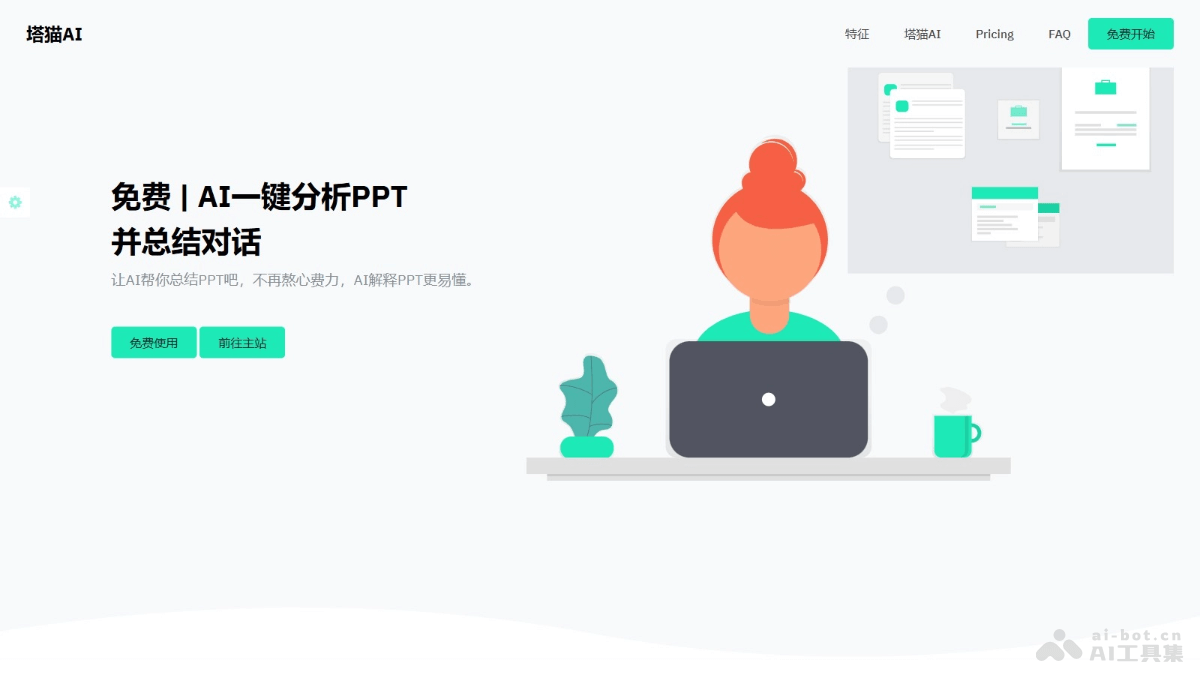
Main features of Tamao AI Dialogue PPT
- PPT file parsing: AI can read and understand the text, charts, and image content in PPT files.
- Intelligent Q&A: Users ask the AI questions, and the AI provides answers based on the PPT content.
- Content retrieval: Quickly find specific information or data in the PPT.
- Summary generation: AI can automatically generate a summary of the PPT content, helping users quickly grasp the key points.
- Logic optimization suggestions: Analyze the logical structure of the content and provide optimization plans.
How to use Tamao AI Dialogue PPT
- Access the service: Visit the Tamao AI Dialogue PPTofficial website。
- Upload a PPT file: Find the upload button on the website interface, select a PPT file from your device, and upload it to the server.
- Wait for parsing: After uploading, the AI will begin parsing the uploaded PPT file.
- Start the conversation: Once parsing is complete, start the conversation with the AI. Directly enter a question or request, and the AI will provide an answer based on the PPT content.
- Ask questions and get answers: As needed, ask specific questions, such as "What is the main content of this PPT?" or "Please tell me detailed information about part X." The AI provides corresponding answers based on the PPT content.
- Multi-turn conversation: Continue the multi-turn conversation with the AI to further discuss different parts of the PPT.
- Close the service: After the conversation is complete, close the service or exit the website.
Pricing of Tamao AI Dialogue PPT
- Tamao AI Dialogue PPT currently provides free service.
Application scenarios of Tamao AI Dialogue PPT
- Customer service and support: Provide 24*7 online customer service, answer common questions, and handle customer inquiries.
- Education and learning: As an auxiliary teaching tool, help students learn subjects such as languages and science.
- Internal enterprise communication: As an internal chat tool, help employees quickly obtain information and solve problems.
- Data analysis and reporting: Help analyze large amounts of data and generate reports and summaries.
- Content creation and editing: Assist writing, provide writing suggestions, and proofread and edit text.