
What is aftershoot
aftershoot is AI photo culling and editing software designed specifically for photographers. Based on AI technology, it quickly analyzes and selects the best photos while automatically handling editing tasks such as cropping, straightening, and exposure. aftershoot supports importing RAW and JPEG formats and can export directly to software such as Lightroom, providing a personal AI editing profile that mimics the user's style. aftershoot simplifies photographers' workflows, saves time, and lets users focus on creativity and business growth.
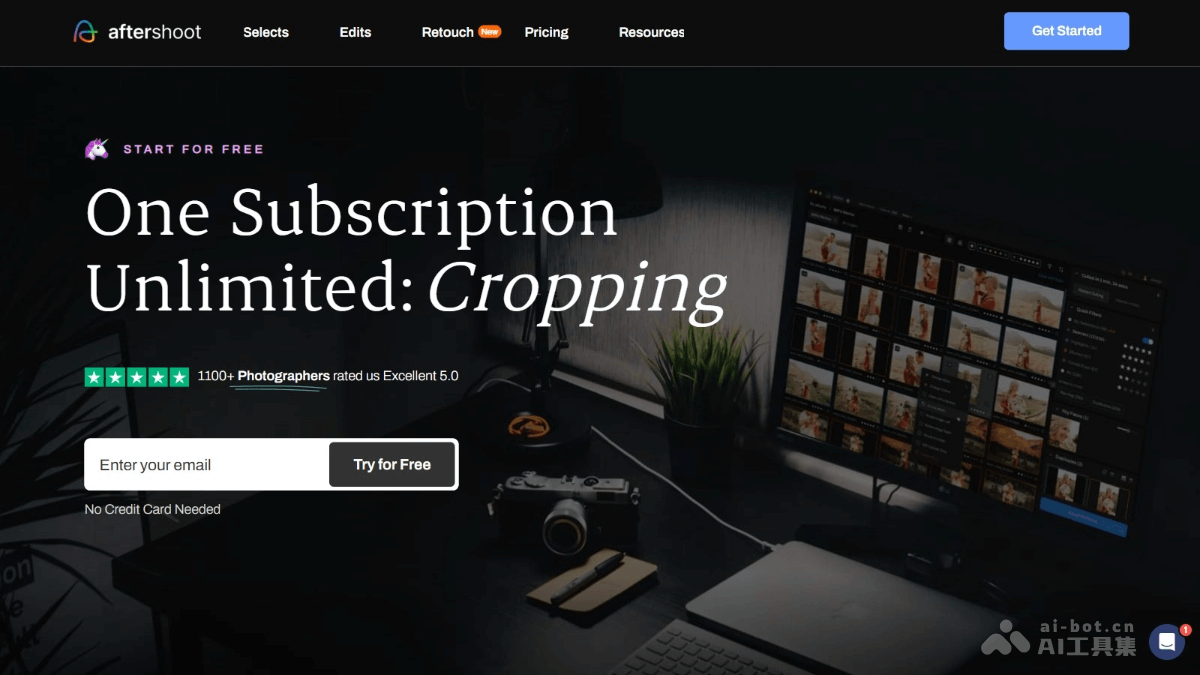
Main features of aftershoot
- AI culling: Quickly culls large numbers of photos, identifies the best photos, and groups duplicate, blurry, or closed-eye photos.
- AI editing: Automatically performs editing tasks such as cropping, straightening, exposure, and light balance. Users train the AI according to their own style or use preset AI styles.
- Cropping and straightening: Automates basic image editing work and speeds up post-processing.
- Personal AI editing profile: Users can train the AI to mimic their own editing style for easy application to new photos.
- Import and export: Supports importing RAW and JPEG photos and exporting directly to software such as Lightroom, Capture One, or Photo Mechanic.
aftershoot's official website address
- Official website address:aftershoot.com
aftershoot's product pricing
- Select plan: $10 per month, unlimited culling, duplicate detection.
- Basic plan: $20 per month, includes all features of the Select plan, unlimited AI editing, access to 30+ Aftershoot marketplace styles; for an additional $10 per month, add-on services include AI cropping, straightening, and masking.
- Pro Plan: $40 per month, includes all features of the Basic plan, 1 personal AI editing profile, including AI cropping, straightening, and masking; for an additional $7 per month, add-on services include more personal AI editing profiles.
- Max Plan: $60 per month, includes all features of the Pro plan, 5 personal AI editing profiles, AI retouching services; for an additional $7 per month, add-on services include more personal AI editing profiles.
aftershoot's application scenarios
- Wedding photography: After shooting a wedding, photographers need to quickly cull and edit large numbers of photos. It helps users automatically identify the best photos and saves culling time.
- Event photography: After an event ends, photographers need to process large numbers of on-site photos. aftershoot's AI culling and editing features can speed up the process.
- Portrait photography: Portrait photographers quickly cull and perform style-consistent editing after shooting portraits or fashion photos.
- News photography: News photographers need to quickly select the most newsworthy images from photos taken on site. aftershoot can help users complete the task quickly.
- Sports photography: Sports photographers need to quickly process and deliver photos after an event. aftershoot's AI features can accelerate photo culling and editing.