
What is Acti
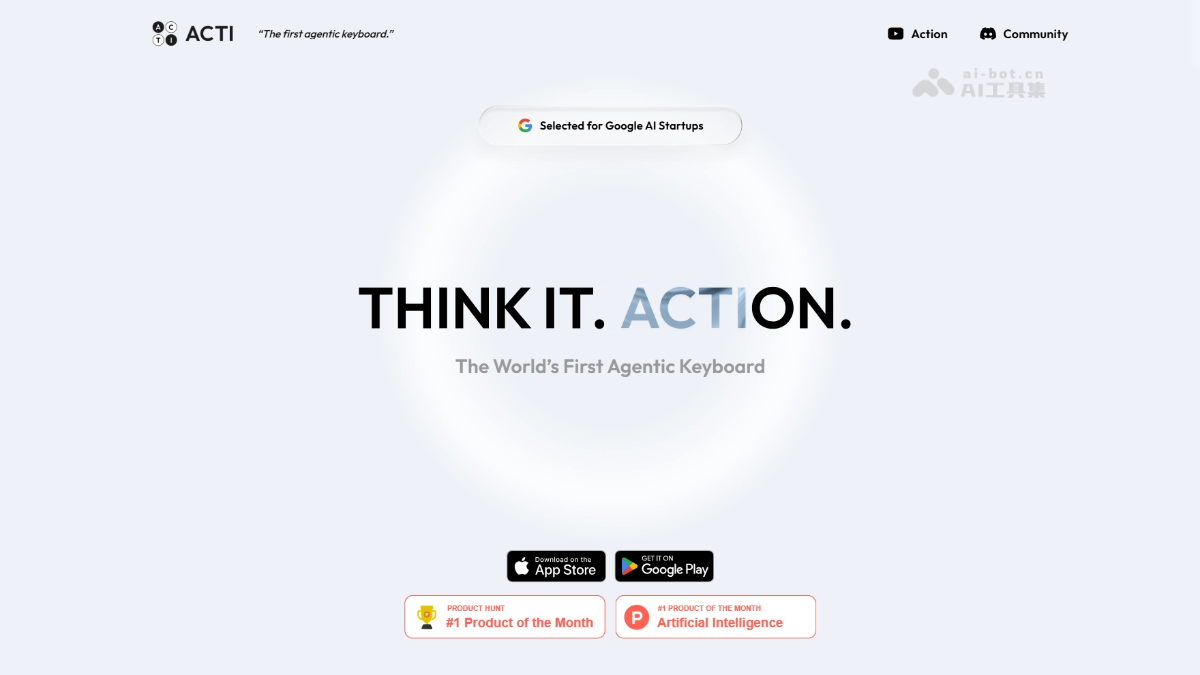
Acti is an AI smart keyboard developed by a Singapore-based team. The keyboard embeds AI into the mobile keyboard layer. Users can long-press the spacebar to trigger the Acti Bar, allowing them to check information, search files, create meetings, or run workflows without switching apps. The team comes from the former Baidu International and previously led Facemoji Keyboard.
Acti's Main Features
- Instant Information Query: When users type keywords during a chat and long-press the spacebar to trigger the Acti Bar, they can directly obtain information such as nearby restaurants, stock prices, weather, or game results.
- Third-Party File Search: After entering keywords, Acti can locate the corresponding files from connected third-party platforms and insert the links directly into the current chat interface.
- Quick Action Execution: Supports directly creating Google Meet meeting links, checking calendar schedules, or running preconfigured workflow Skills during a chat.
- Intent-Recognition Input:Acti recognizes the executable intent carried within it and completes the corresponding operation directly at the keyboard layer.
- Zero-Switch Interaction: All capabilities are embedded in the mobile keyboard layer, so users can complete queries, searches, and operations without leaving the current app, eliminating the context fragmentation caused by app switching.
How to Use Acti
- Visit the official website to download: Open a browser and visit https://openacti.com,在官网找到下载入口并安装 Acti keyboard app.
- Set as default keyboard: Go to your phone's system settings, add Acti, and set it as the default input method keyboard.
- Trigger the Acti Bar: In any scenario where you need to enter text, long-press the keyboard's spacebar to bring up the Acti Bar panel.
- Enter a query command: Type keywords into the input box, and Acti will automatically recognize the intent and return results.
- Insert or execute results: View the information card returned by Acti, click "Apply" to insert the result directly into the current chat, or click the corresponding button to perform actions such as creating a meeting or sharing a link.
- Connect third-party services: In Acti settings, bind third-party platforms such as Notion, Google Calendar, and Spotify to expand file search and automated workflow capabilities.
- Use Skill workflows: Choose or create preset workflows in the Skill library and quickly trigger complex task combinations with keywords.
Acti's Core Advantages
- Zero-Switch Scenario Integration: AI capabilities are embedded in the mobile keyboard layer, so users can complete queries and operations without leaving the current app, eliminating the context fragmentation caused by app switching.
- Intent-Driven Input: The text users enter is no longer just text. Acti can recognize the executable intent carried within it and complete the corresponding operation directly at the keyboard layer.
- Full-Scenario Coverage: As a system-level input method, Acti can be invoked in any app that requires text input and is not limited to specific chat or office scenarios.
- Rich Third-Party Connections: Supports connecting to third-party platforms such as Notion, Google Calendar, and Spotify to enable cross-app operations such as file search, meeting creation, and music sharing.
- Skill Workflow Ecosystem: Provides preset workflow Skills, allowing users to quickly trigger complex task combinations via keywords, improving efficiency for repetitive operations.
Comparison of Acti's similar competitors
| Comparison Dimension | Acti | SwiftKey |
|---|---|---|
| Core Positioning | AI Agent keyboard, emphasizing intent recognition and task execution | Smart predictive keyboard, focused on input efficiency and multilingual support |
| AI Interaction Method | Long-press the spacebar to trigger Acti Bar, returning structured cards | Predictive suggestions based on input content, with no proactive task execution |
| Third-Party Ecosystem | Deeply connects to external services such as Notion, Calendar, Spotify, etc. | Mainly integrates with the Microsoft ecosystem (Outlook, Teams, etc.) |
| Automation Capabilities | Supports preset Skill workflows, triggering complex tasks with one click | No workflow or automated task functionality |
| Scenario Coverage | Can be invoked in any input scenario without leaving the current app | Prediction functionality is limited to input assistance, and queries require jumping to a browser |
Acti's Application Scenarios
- Instant information queries: When the other party mentions an unfamiliar topic in social chat, long-press the spacebar to instantly query weather, stock prices, or match results and directly insert them into the reply.
- Work document retrieval: When discussing a project in a group chat, enter keywords to quickly locate the corresponding file in Notion and share the link to the chat window with one click.
- Quick meeting creation: When a meeting needs to be scheduled during communication, directly generate and send a Google Meet link through Acti, without switching to a calendar app.
- Instant content sharing: When a friend asks about a song or video, enter the song name to get a Spotify link and share it directly with a cover card.